

Most small businesses have a pile of supplier bills somewhere. Some are in a drawer, some are photos on a phone, some are PDFs in email. At the end of the month, someone has to sit down and type them into a spreadsheet or hand them to the accountant in a bundle.
This is dull, slow work, and it is easy to miss a bill or type a number wrong. It is also one of the best places to start using AI, because the job is repetitive and the result is easy to check.
What AI can do with a bill
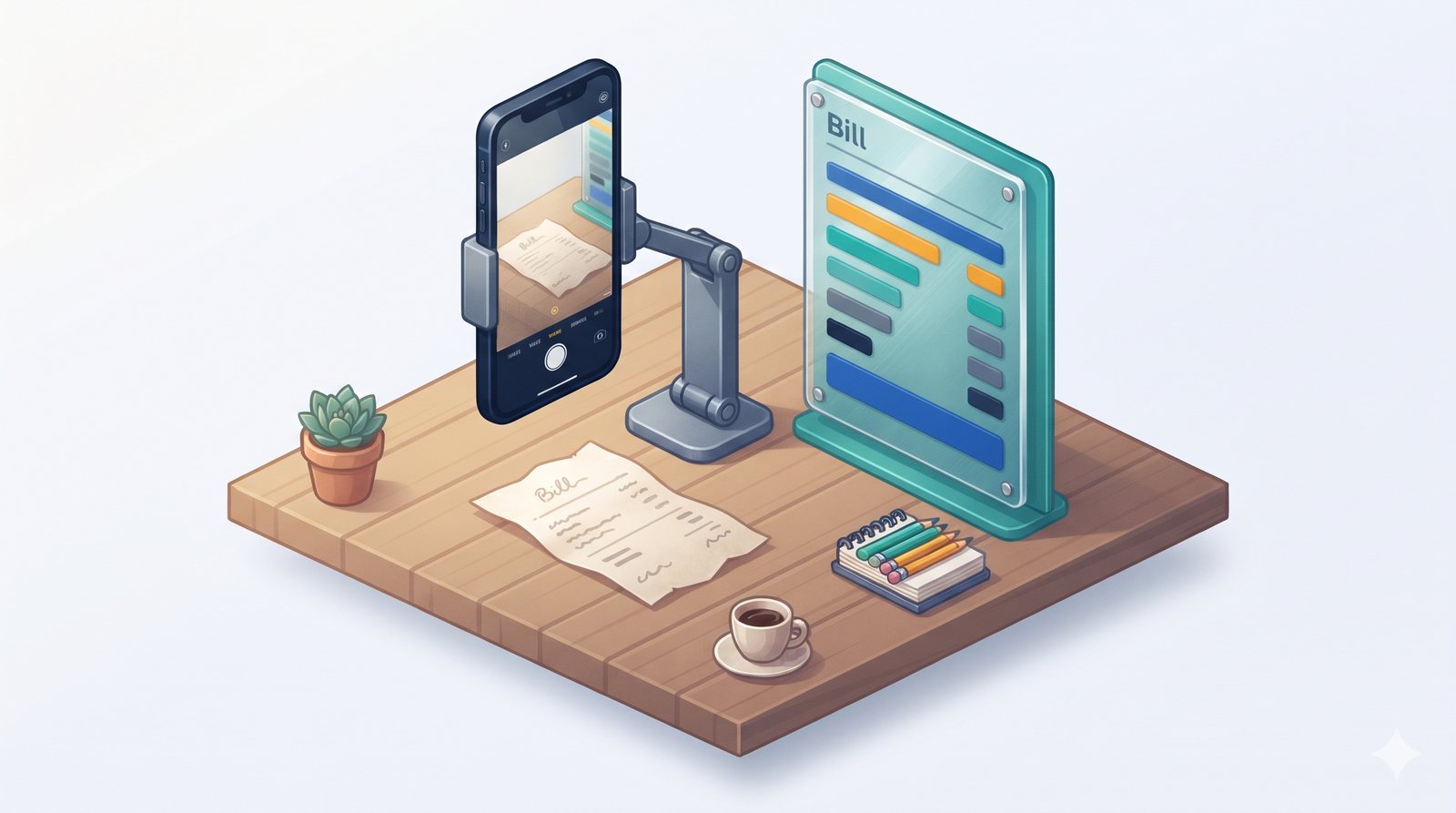
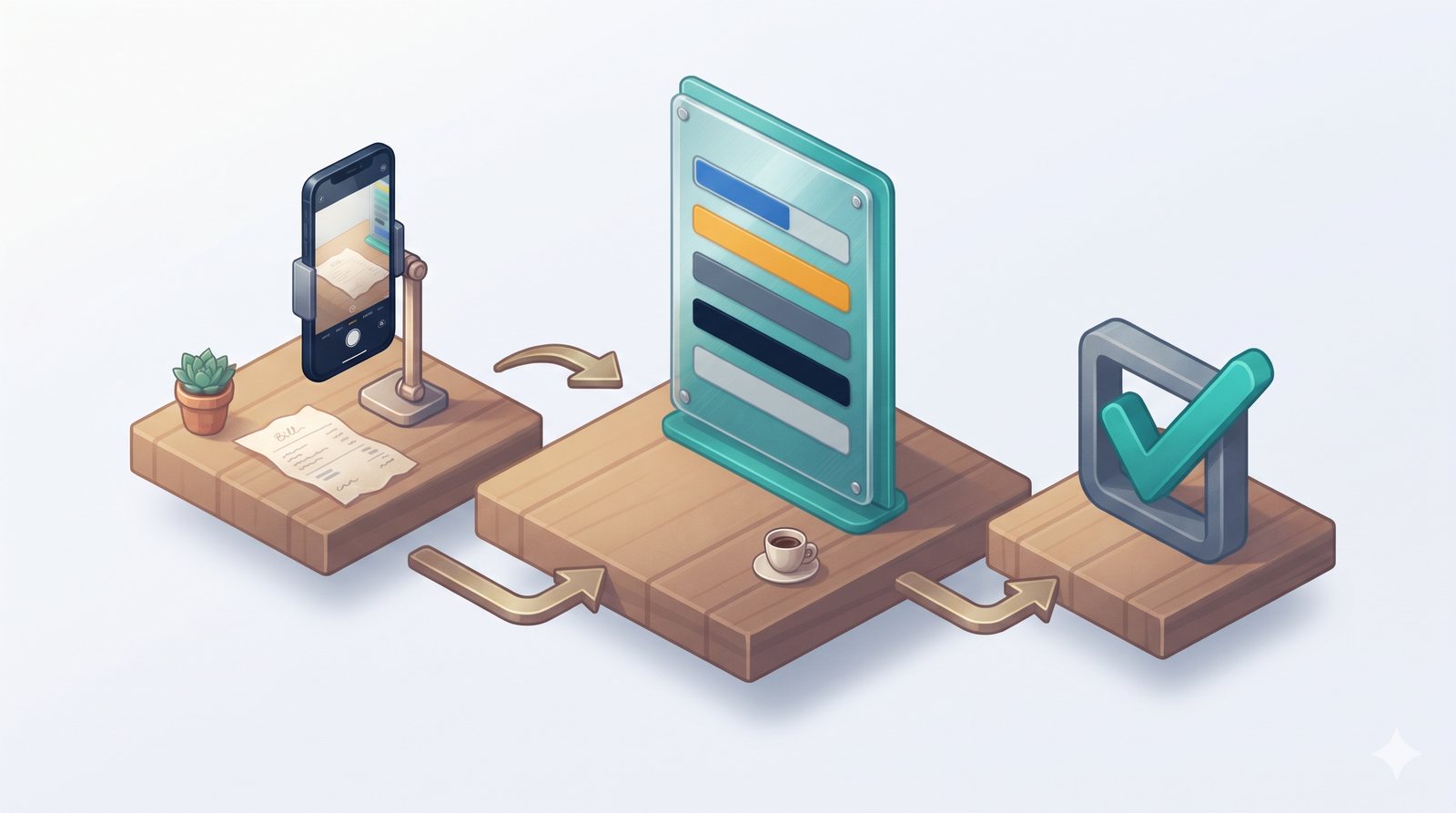
When you take a clear photo of a bill, an AI tool can read it and pull out the key details:
- Supplier name
- Bill number and date
- Items, quantities and rates
- Tax amounts, if shown
- Total amount
These details can then go straight into your expense list, with the photo attached for reference. Instead of typing every line, you glance at the result, correct anything that looks wrong, and confirm.
Why this is a good first job for AI
Bills are a safe place to start for three reasons. First, the information is already on the paper, so AI is reading, not guessing. Second, a mistake is easy to spot, because you can compare the result with the bill. Third, nothing goes to a customer, so a small error does not harm a relationship.
That makes it a low-risk way for you and your team to get comfortable with AI before using it anywhere else.
A simple routine that works
The technology only helps if bills reach it. A short routine makes sure they do:
- Photo on arrival: whoever receives a bill takes a photo the same day.
- One place to send it: a dedicated WhatsApp number, email address or folder.
- AI reads and records: the details go into the expense list automatically.
- Weekly check: one person reviews the week's entries against the photos.
- Monthly hand-over: the tidy list and photos go to your accountant.
From today, please photograph every supplier bill on the day you receive it and send it to [NUMBER OR FOLDER]. Make sure the whole bill is in the photo, flat and readable. Keep the paper copy in the bills file as usual.
Tips for good photos
AI reads clear photos well and blurry ones badly. A few simple habits make a big difference:
- Lay the bill flat on a plain surface.
- Make sure all four corners are visible.
- Avoid shadows and glare from lights.
- For long bills, take two photos rather than one tiny one.
Keep a person in charge of the check
AI can misread a smudged number or confuse a rate with a total. That is why the weekly check matters. It takes a few minutes to compare the entries with the photos, and it catches the occasional error before it reaches your books.
Over time, you will see which suppliers' bills are always read correctly and which need a closer look. Handwritten bills, for example, usually need more checking than printed ones.
AI should record expenses, not approve payments. Deciding what to pay and when should stay with you or someone you trust.
What you get at the end of the month
With bills recorded as they arrive, the month-end becomes much easier. You can see:
- How much you spent with each supplier.
- Which expense categories are growing.
- Which bills are still unpaid.
- A complete, organised set of records for your accountant.
Your accountant spends less time sorting and more time advising, and you are not hunting for a missing bill at the last minute.
A word on privacy
Bills sometimes include bank account details or other sensitive information. If you use a general AI tool, be careful about what you upload. A setup made for your business should keep your documents private and only accessible to the people who need them. Ask how this is handled before you start.
This post covers record-keeping, not tax treatment. For questions about tax or claiming expenses, speak to your accountant.
Where to start
Set up one place for bill photos this week and ask your team to use it. If you would like bills read and recorded for you automatically, with a weekly check list ready for review, book a free 15-minute check and we will show you how it could work for your business.