
Everyone is talking about AI. For a small business owner, the talk can be confusing. Some say it will run your whole business. Others say it is risky and full of mistakes. The truth sits somewhere in the middle, and it is quite practical.
An AI helper is a tool that can read, write and sort text much faster than a person. Used well, it saves time on routine work. Used carelessly, it can send wrong information to customers. This post explains what it is good for, and the jobs it should never do on its own.
What an AI helper actually is
Think of an AI helper as a very fast assistant who has read a great deal but knows nothing about your business unless you tell it. It can draft a reply, summarise a long message, pull details out of a document or suggest wording. It does not know your prices, your stock or your customers unless it is given that information.
It also does not "know" when it is wrong. It can write something confident that is simply not true. That is why the way you use it matters more than the tool itself.
Jobs an AI helper does well
- Drafting replies to common customer questions, using your own price list and policies.
- Summarising a long WhatsApp chat or email thread into three lines.
- Sorting enquiries into categories, such as new order, complaint or payment question.
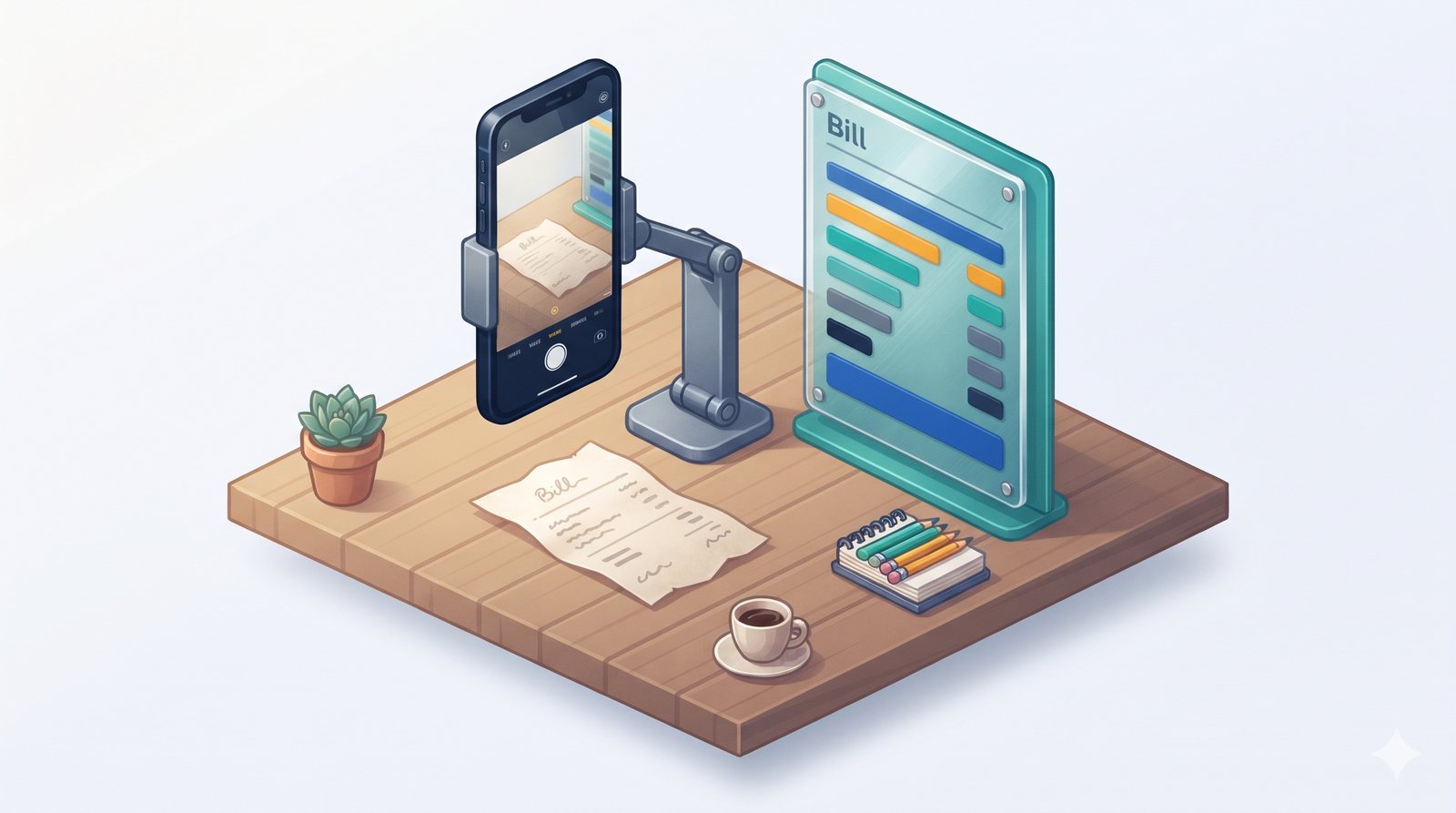
- Reading documents like supplier bills and pulling out the date, items and total.
- Turning rough notes from a call into a tidy quote or message.
- Preparing a daily summary of what happened, from your own records.
What these have in common: they are repetitive, they are based on information you provide, and a person can check the result quickly.

Jobs it should never do on its own
Some jobs need a person in charge every time. An AI helper can assist with these, but it should never act alone:
- Promising prices, discounts or delivery dates that have not been checked against your real records.
- Giving medical, legal, tax or financial advice to customers.
- Handling complaints or upset customers without a person reviewing the reply.
- Making payments or approving refunds.
- Deciding about people, such as hiring, firing or refusing service.
- Sending messages to many customers at once without someone reading the message first.
The rule is simple: if a mistake would cost money, hurt a relationship or break a promise, a person must check before it goes out.
Keep your customers' information safe
Be careful about what you paste into general AI tools. Avoid sharing customers' personal details, bank information, ID numbers or anything private. When an AI helper is set up properly for a business, it works with only the information it needs, and access is controlled. Ask any provider how this is handled before you start.
The "draft, check, send" habit
The safest way to use AI in a small business is a three-step habit:
- Draft: the AI prepares the message, summary or document.
- Check: a person reads it, fixes anything wrong and makes sure it sounds like you.
- Send: only then does it go to the customer.
Over time, you will learn which drafts need little or no change. Those are the tasks where AI saves the most time. The check step stays, but it gets faster.
A note for your team
We use AI to draft and summarise, never to decide. Do not share customer phone numbers, bank details or ID numbers with AI tools. Every AI draft is read by a person before it goes to a customer. If something looks wrong or you are unsure, ask before sending.
A short written rule like this helps everyone use AI in the same careful way.
Common questions
Will AI replace my staff?
For most small businesses, no. AI is best at the repetitive parts of a job, like drafting and sorting. That gives your team more time for customers and decisions, which still need people.
Is AI expensive to start with?
It does not have to be. Many owners begin with one simple task, such as improving saved replies, before setting up anything more. Start small, see the benefit, then decide.
What if the AI makes a mistake?
That is exactly why a person checks every draft before it goes out. Over time you will learn where it is reliable and where it needs a closer look.
Where to start
Try AI on one low-risk task this week, such as improving your saved replies. If you would like an AI helper set up to work from your own price list and customer list, with a person checking each draft, book a free 15-minute check. We will suggest the safest first step for your business.