

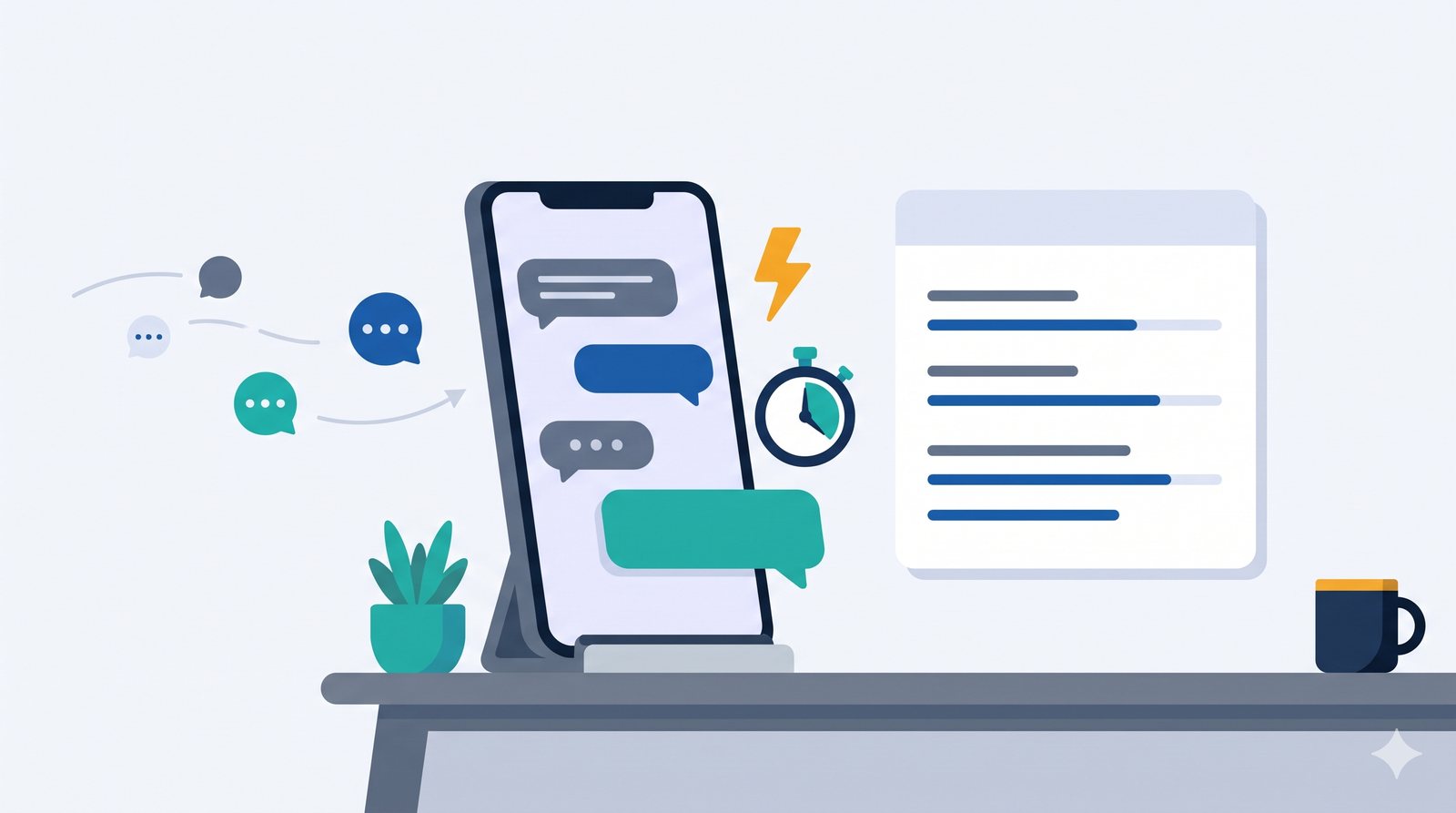
Most small businesses get their enquiries on WhatsApp. A customer writes in, usually while they are comparing two or three other shops, and the first reply they get often wins the conversation. If your reply comes the next morning, they may already have booked elsewhere.
You do not need to stare at your phone all day to fix this. Here is a simple set-up, in the order we would do it.
Step 1: Use the WhatsApp Business app
It is free and made for businesses. Keep your personal chats on your personal number. The Business app gives you the tools below, and your customers see a proper business profile with your hours, address and website.
Step 2: Turn on the greeting and away messages
In the app settings you can set two automatic messages:
- Greeting message. Sent when a new customer writes to you for the first time.
- Away message. Sent when you are closed or busy, so nobody is left waiting in silence.
Hello, thanks for writing to [YOUR BUSINESS]. We have received your message and will reply shortly. To help us answer faster, please tell us what you need and when.
Hello, thanks for your message. We are closed right now and open again at [TIME]. We will reply first thing then.
Step 3: Write five saved replies
Look at your last twenty chats. You will find that the same five or six questions come up. Write a good answer to each one once, and save it as a quick reply. In the Business app you type a slash, pick the reply, and send. A typical set looks like this:
- Prices or a price range, and what is included
- Opening hours and address, with the map link
- How to book, and what you need from the customer
- How to pay
- What happens next after they confirm
Step 4: Ask for what you need in the first reply
A reply that only says "yes, available" starts a long back-and-forth. A better first reply gives the answer and asks for the two or three details you need to move forward.
Hello [CUSTOMER NAME], thank you for asking. The price for [SERVICE] starts at [AMOUNT]. To give you the exact amount, could you tell me [DETAIL 1] and [DETAIL 2]? I will send a quote right away.
Step 5: Label every chat and keep one list
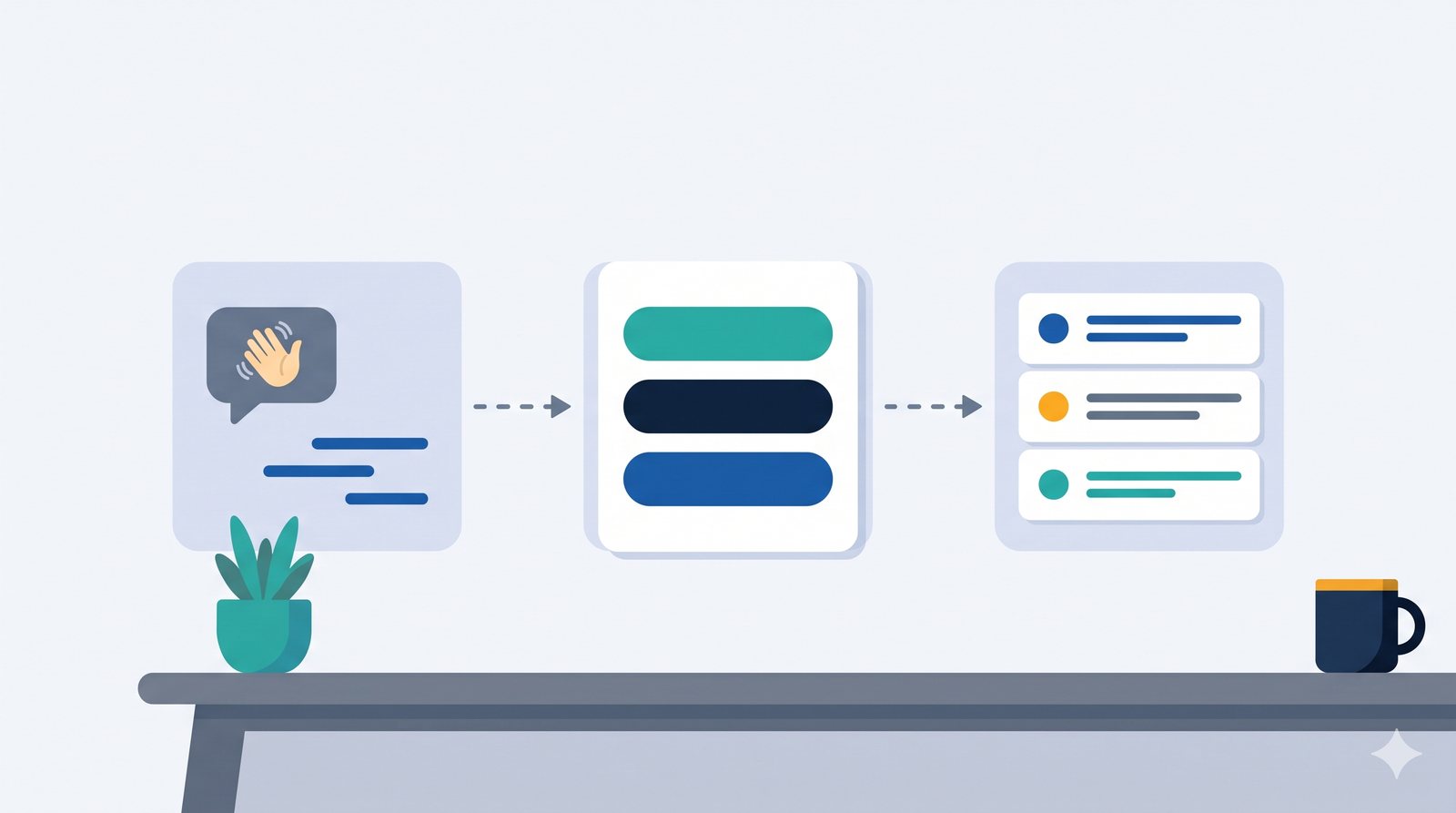
Use the labels in the app: New, Quote sent, Booked, Paid. Better still, add every new enquiry to one simple list with the name, phone number, what they asked for and the date. The list is what stops enquiries from slipping through, because you can see at a glance who is waiting for you.
A word of caution
Only message people who have contacted you, or who have agreed to hear from you. Sending the same message to a long list of people who did not ask for it can get your number blocked, and it annoys customers. Fast, helpful replies to people who asked are what build trust.
When saved replies are not enough
Saved replies still need you to press send. If enquiries arrive late at night, or your team is small and busy, the next step is automation: an instant reply that goes out on its own, the enquiry saved to your customer list, and a reminder set so someone follows up. An AI helper can also draft a reply from your own price list for a person to check before it goes out.
This is the kind of thing we set up for small businesses, and it is a good first job for our Starter package. If you would like to see what it could look like for your business, ask for a free 15-minute check.